Decoyo: Privacy Wallet
Keep a separate set of checkout details and present them on your terms, on the device.
Utilities
Who it's for
Someone asked for a phone number by a shop that does not need it.
The problem
A form that asks for too much
A phone number or a name the purchase never needed.
One real identity, everywhere
The same details sit exposed at every checkout.
From trigger to relief
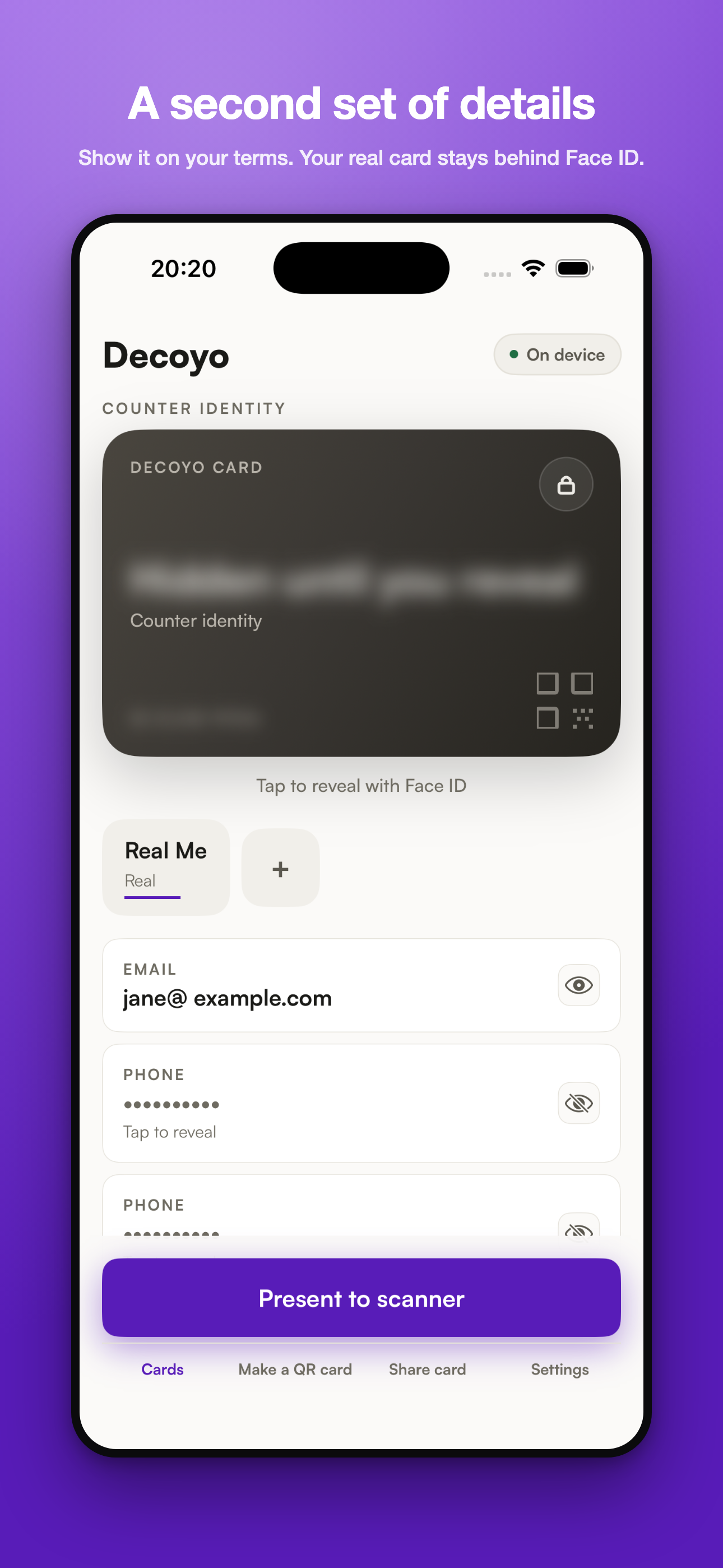
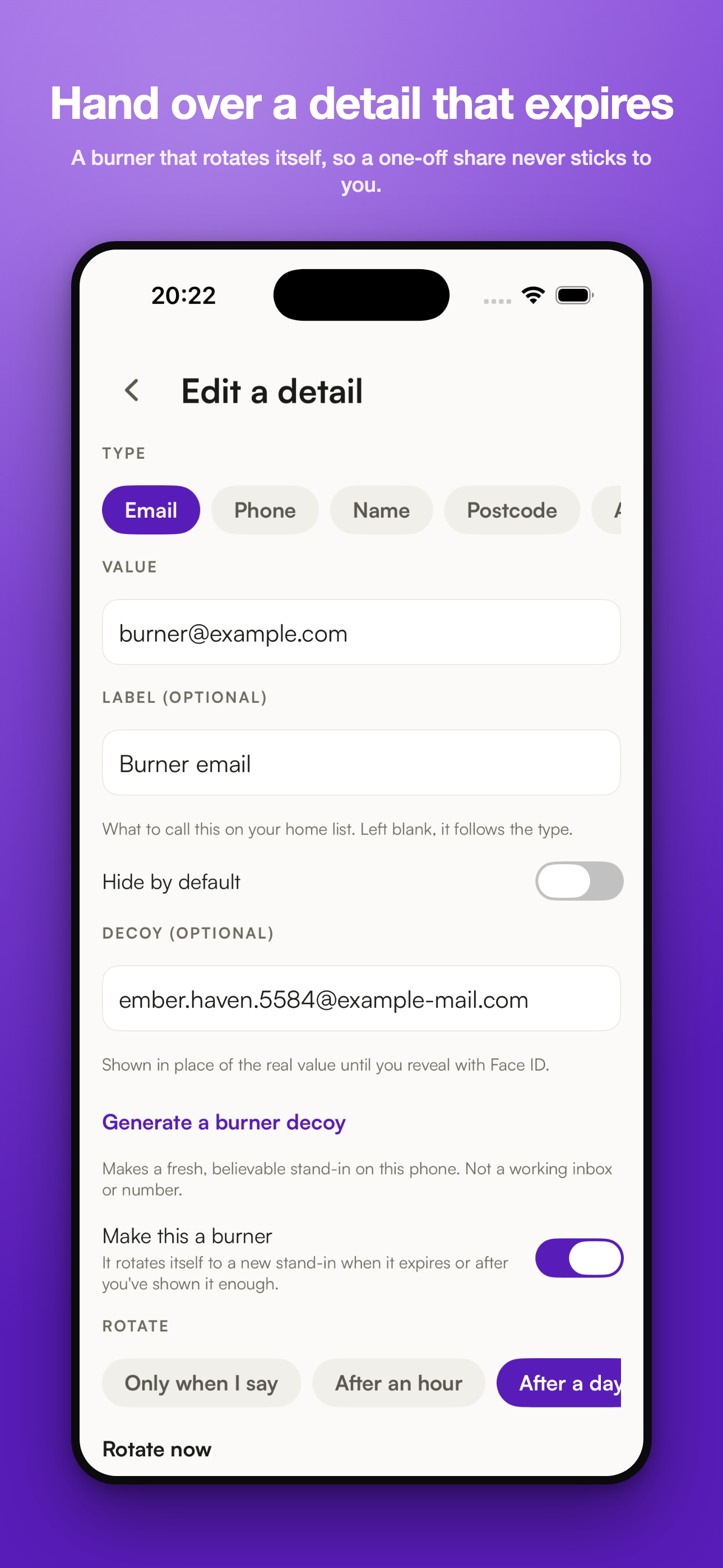
Set up a counter identity
Choose which details it carries, on this device.
Present it at checkout
A card ready to show, kept behind Face ID.
Reveal the real value only when you choose
Face ID gates the switch back to what is true.
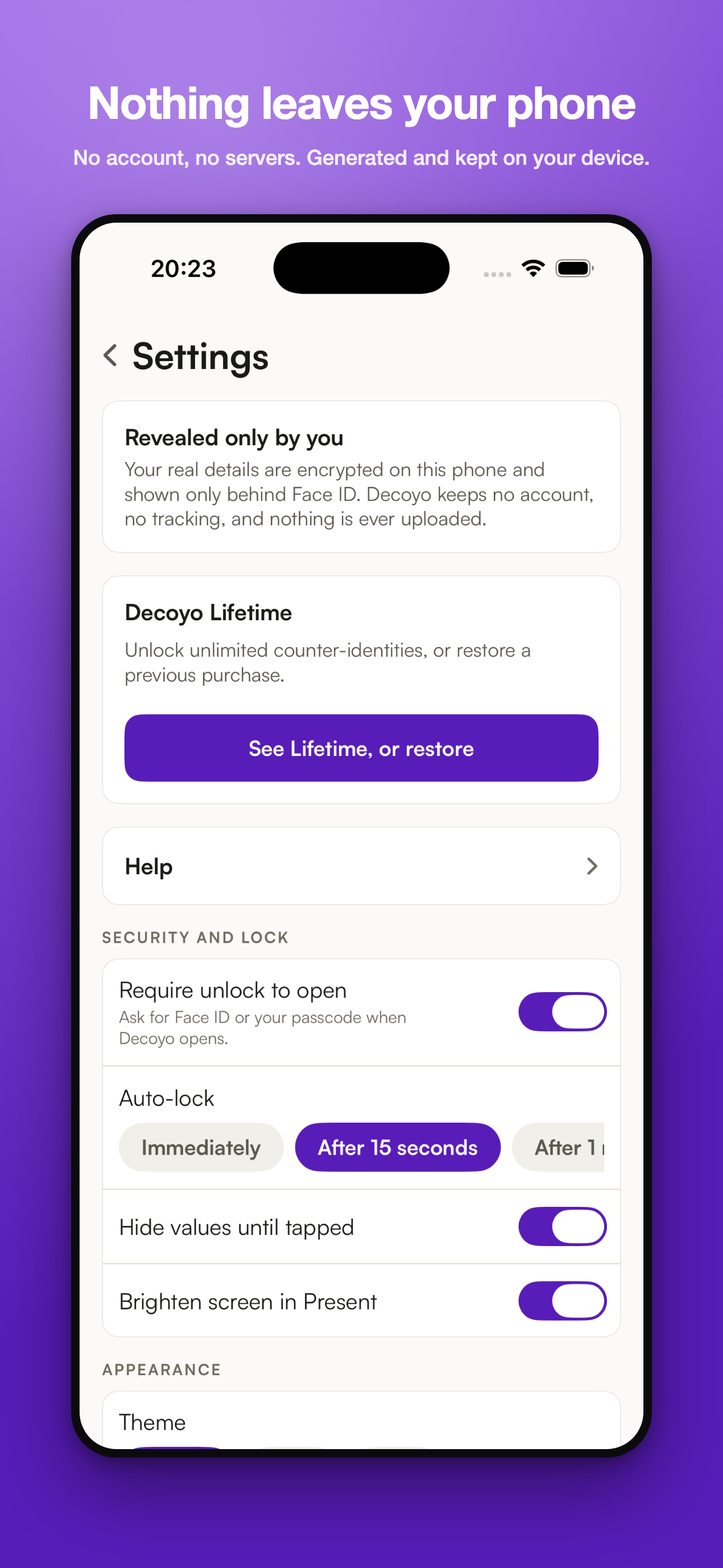
Nothing leaves the device
No account, no server: generated and kept on the phone.
Screenshots
Try it
Not live yet. The screenshots above come straight from the real build.
Running the real app in your browser needs a domain that is not set up yet.
Open the live app
Price
$5.99 once. One-time lifetime.
Free: 2 counter-identities.
What's different
A separate set of details you choose to present, held on the device, with the real value behind a biometric check.