Floomp: Big Text
Show a message across a room without speaking, in huge text, instantly.
Utilities
Who it's for
Someone who cannot speak, or cannot be heard, right now.
The problem
A room too loud
Speaking over it is not an option.
A voice that will not come
Typing takes time you may not have.
From trigger to relief
Tap Floomp from the home screen
It opens straight to a full screen ready for text.
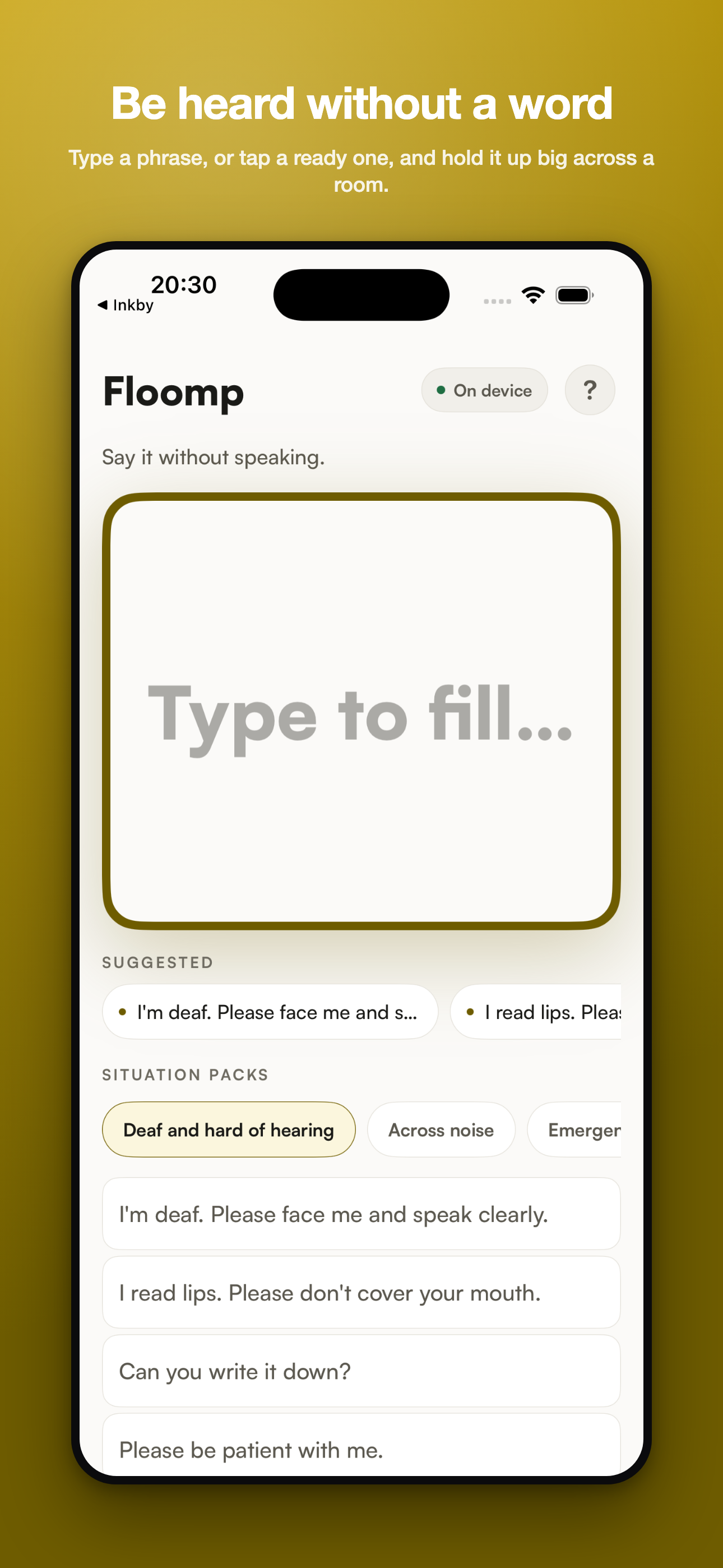
Type it, or tap a ready phrase
Situation packs cover hearing, noise, and emergencies.
Hold the screen up
The message shows in huge text, readable across a room.
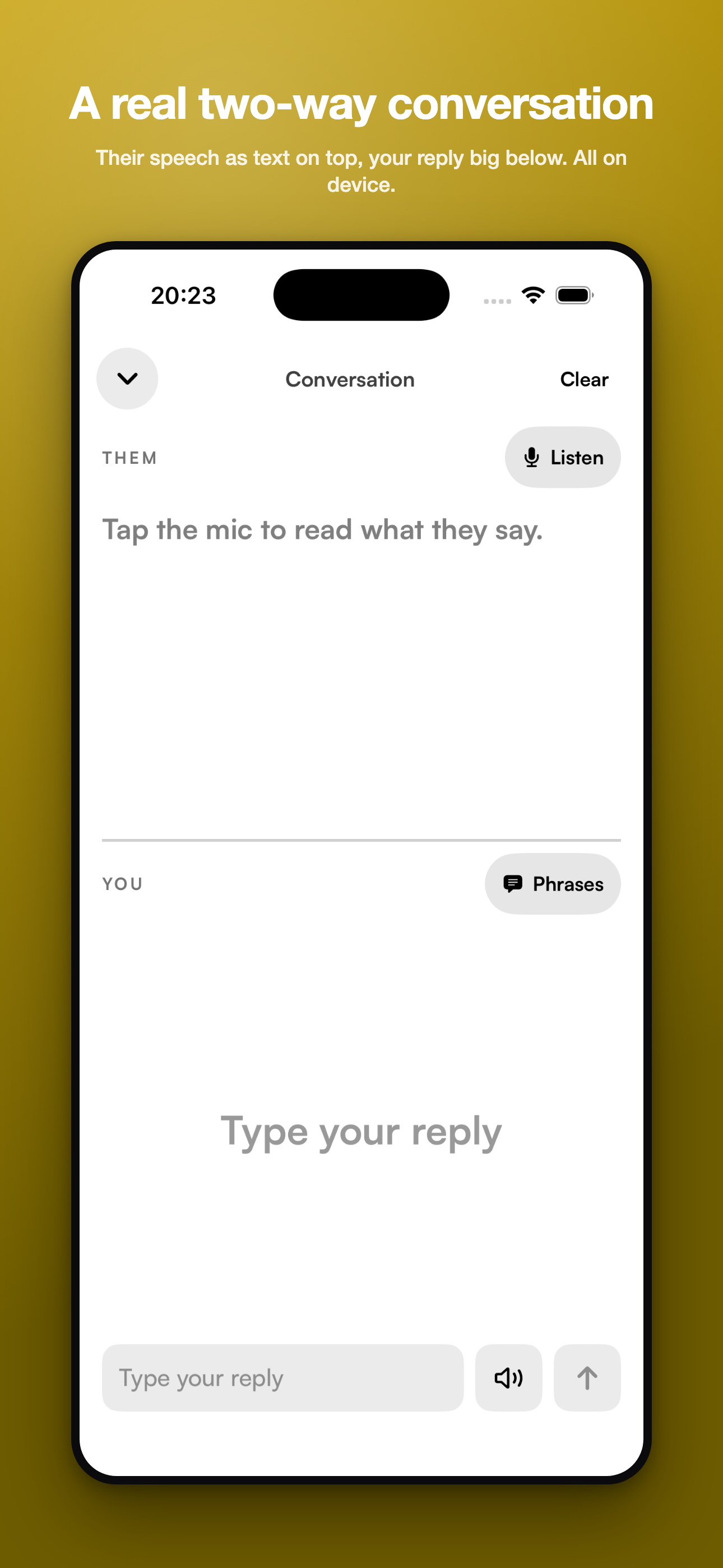
Read their reply as text
Their speech appears as text above your reply, a real two-way conversation.
Screenshots
Try it
Not live yet. The screenshots above come straight from the real build.
Running the real app in your browser needs a domain that is not set up yet.
Open the live app
Price
$2.99 once. One-time unlock.
Free: 2 phrases plus Static and Placard modes. Colour themes are free too, as an accessibility feature.
What's different
It is a full screen of text from the home screen in one tap.
With prepared phrases for the moments you cannot type.